
50 WhatsApp Reminder Message Templates You Can Use Today
Published on April 27, 2026
Share this article
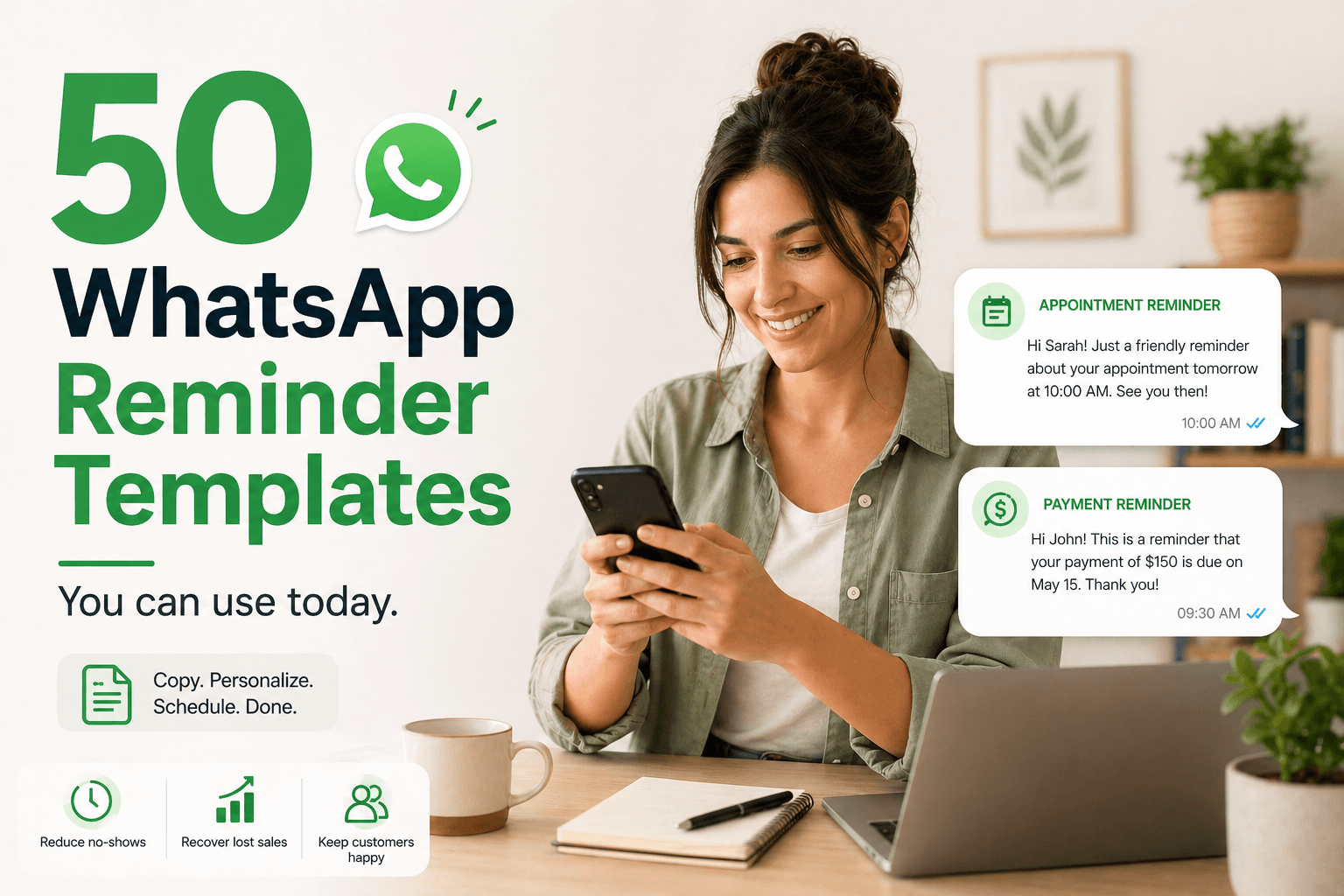
The right reminder message — sent at the right time — can reduce no-shows, recover lost sales, and keep your business running smoothly. Below are 50 ready-to-use WhatsApp reminder message templates, organized by category. Copy them, personalize them with [name], and schedule them with Chatmaid Schedule.
Appointment Reminders
Hi [name]! Just a quick reminder that your appointment is tomorrow at [time]. See you then!Hey [name], confirming your booking for [date] at [time]. Reply YES to confirm or let us know if you need to reschedule.Hi [name]! Your appointment is in 1 hour at [time]. We're looking forward to seeing you!Reminder: [name], your session is scheduled for tomorrow. Please arrive 5 minutes early. Any questions? Just reply here.Hi [name], we haven't heard from you about tomorrow's appointment at [time]. Still coming? Reply YES or NO so we can plan.
Payment & Invoice Reminders
Hi [name], just a friendly reminder that invoice #[number] for [amount] is due on [date]. Let us know if you have any questions!Hey [name], your payment of [amount] was due yesterday. Please process it at your earliest convenience. Thank you!Hi [name]! Your subscription renews on [date]. Make sure your payment method is up to date to avoid interruption.Quick reminder, [name] — your outstanding balance of [amount] is due this Friday. Reply here if you'd like to discuss payment options.[name], this is a final reminder that your invoice is 7 days overdue. Please respond to this message so we can resolve it together.
Sales & Lead Follow-Ups
Hi [name]! Following up on our conversation earlier. Did you get a chance to think about [product/offer]? Happy to answer any questions.Hey [name], just checking in — are you still interested in [service]? We'd love to help you get started.Hi [name]! We're running a special offer until [date] — [offer description]. Don't miss it! Want more details?[name], just wanted to follow up on the proposal I sent on [date]. Let me know if you have any questions!Hi [name], it's been a few days since we last spoke. I wanted to make sure you had everything you needed. Ready to move forward?
Event Reminders
Hi [name]! Don't forget — [event name] is tomorrow at [time]. We can't wait to see you there!Reminder: [event name] starts in 2 hours. Here's the link to join: [link][name], just a heads up — registration for [event] closes tonight at midnight. Grab your spot now!We're one week away from [event name]! Reply to this message if you have any questions before the big day.Hi [name]! Your ticket for [event] is confirmed. Save the date: [date] at [time] at [location].
Customer Re-engagement
Hi [name], we haven't heard from you in a while! Is there anything we can help you with? We're here for you.Hey [name]! We just launched something new that we think you'll love — [brief description]. Want to take a look?[name], it's been [X] months since your last visit. We'd love to have you back! Here's a special discount just for you: [code]Hi [name]! We updated our services and thought of you. Mind if I share a quick summary?Hey [name], your annual renewal is coming up in 30 days. Want to jump on a quick call to review your options?
Team & Internal Reminders
Good morning team! Quick reminder — weekly check-in call is today at [time]. See you there!Hi [name], just a reminder to submit your report by end of day today. Thanks!Team reminder: project deadline for [project name] is this Friday. Let [manager name] know if you need support.Heads up — the team meeting has been moved to [new time] today. Same link as usual.Hi [name]! Don't forget to complete your feedback survey by [date]. It only takes 3 minutes.
Personal Reminders
Happy almost-birthday [name]! Just a reminder that your special day is tomorrow — hope it's an amazing one!Hey [name], don't forget we're meeting for coffee tomorrow at [time] at [location]. Looking forward to it!Reminder: [name]'s birthday is today. Don't forget to wish them well!Hi [name], just checking in — did you manage to [task/action] like you planned? Let me know how it went!Quick reminder — gym session tomorrow at [time]. Let's go!
E-commerce & Order Updates
Hi [name]! Your order #[number] has been shipped and will arrive by [date]. Track it here: [link]Hey [name], your order is ready for pickup at [location]. We'll hold it for 48 hours.[name], your item is almost out of stock! Complete your purchase before it's gone: [link]Hi [name], your cart has been saved. Ready to complete your purchase? [link]Order reminder: [name], the items in your wishlist just went on sale. Don't miss out!
Subscription & Renewal Reminders
Hi [name], your [service] subscription expires in 7 days. Renew now to avoid interruption: [link][name], your free trial ends tomorrow. Upgrade now to keep access to all features: [link]Hey [name], your annual plan renews automatically on [date]. Reply STOP if you'd like to cancel before then.Hi [name]! Your [membership/subscription] has been renewed successfully for another year. Thank you!Reminder: [name], your account will be deactivated in 48 hours due to non-payment. Reply here to resolve.
Health & Wellness Reminders
Hi [name], your next session with [practitioner name] is on [date] at [time]. Reply to confirm!Wellness reminder: [name], it's time for your monthly check-in. Book your slot here: [link]Hey [name]! Don't forget to take your [medication/supplement] today. Your health matters!Reminder: [name], your prescription is due for renewal. Contact us at [number] or reply here.Hi [name]! Your wellness challenge ends in 3 days. You've got this — keep going!
How to Use These Templates with Chatmaid Schedule
- Copy the template you want to use
- Open Chatmaid Schedule on your iPhone or Android
- Paste the message, replace
[name]with your contact's name (or use the[name]placeholder for automatic personalization) - Set your delivery time
- Hit Submit — done
Get Chatmaid Schedule free → https://schedule.chatmaid.net/