
How to Schedule and Send WhatsApp Messages to Unsaved Contacts (Without Saving Them First)
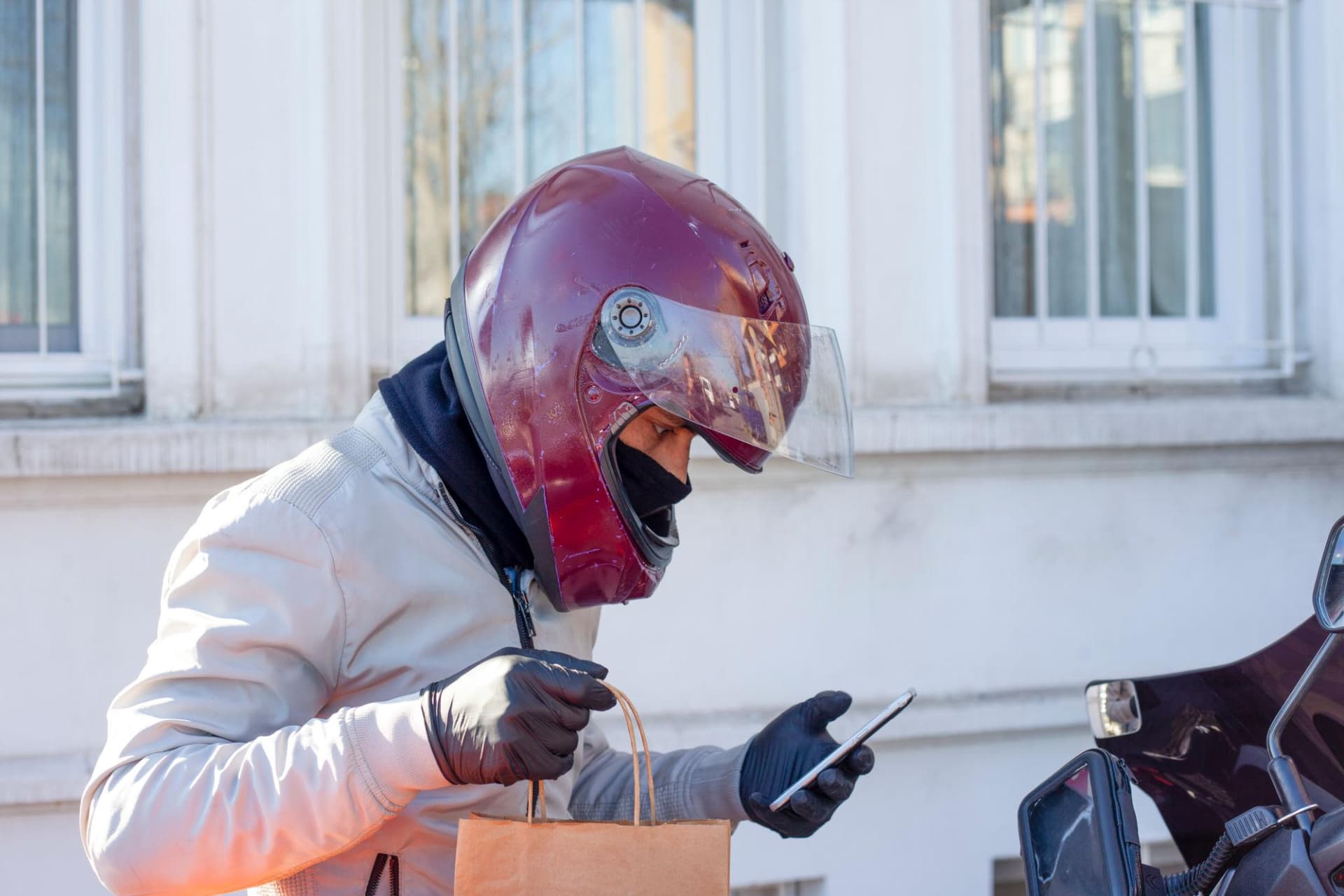
There’s a small but real friction in WhatsApp’s design: you can’t open a chat with someone
unless their number is already saved in your phone’s contacts. For a quick reply to a delivery
driver, a one-time message to a sales lead, or a follow-up to a number on a business card,
that means cluttering your address book with people you’ll never message again.
Here is the best method that work in 2026:
Use Chatmaid Schedule (recommended for repeat use)
The wa.me method is fine for occasional one-off messages. For anything you need to do regularly — sales outreach, customer service, scheduled reminders to leads — Chatmaid Schedule handles unsaved contacts directly:
- Open Chatmaid Schedule.
- Tap + to create a new scheduled message.
- When picking a recipient, tap Enter number manually instead of choosing from contacts.
- Type or paste the phone number in international format.
- Compose your message, set the time, schedule.
The number doesn’t get added to your phonebook. The recipient sees a normal WhatsApp message from your number. The conversation stays in WhatsApp afterwards as if you’d added them as a contact, but your phonebook stays clean.
This is especially useful for:
- Sales reps following up with new leads from forms or events
- Real estate agents messaging prospects whose numbers they got at an open house
- Customer service teams replying to one-time inquiries
- Anyone who wants to keep their personal contacts separate from work outreach
What you should know about messaging unsaved contacts
WhatsApp tracks reports more aggressively for messages between people who don’t have each other saved. If you’re messaging strangers in volume, you risk getting your number flagged. The safe practice:
- Only message unsaved contacts who have an existing relationship with you (gave you their number, filled out a form, etc.).
- Don’t cold-message numbers from purchased lists.
- Keep messages personal and relevant to the actual context.
For more on staying within WhatsApp’s safe zone, see How to Send Bulk WhatsApp Messages Without Getting Your Number Banned.
Start messaging without the contact-saving friction
Download Chatmaid Schedule and message unsaved contacts directly from the app. The 7-day free trial covers every feature.
Donwload on iOS or Android https://schedule.chatmaid.net/