
How to Schedule WhatsApp Messages: The Complete Guide (2026)
Published on April 26, 2026
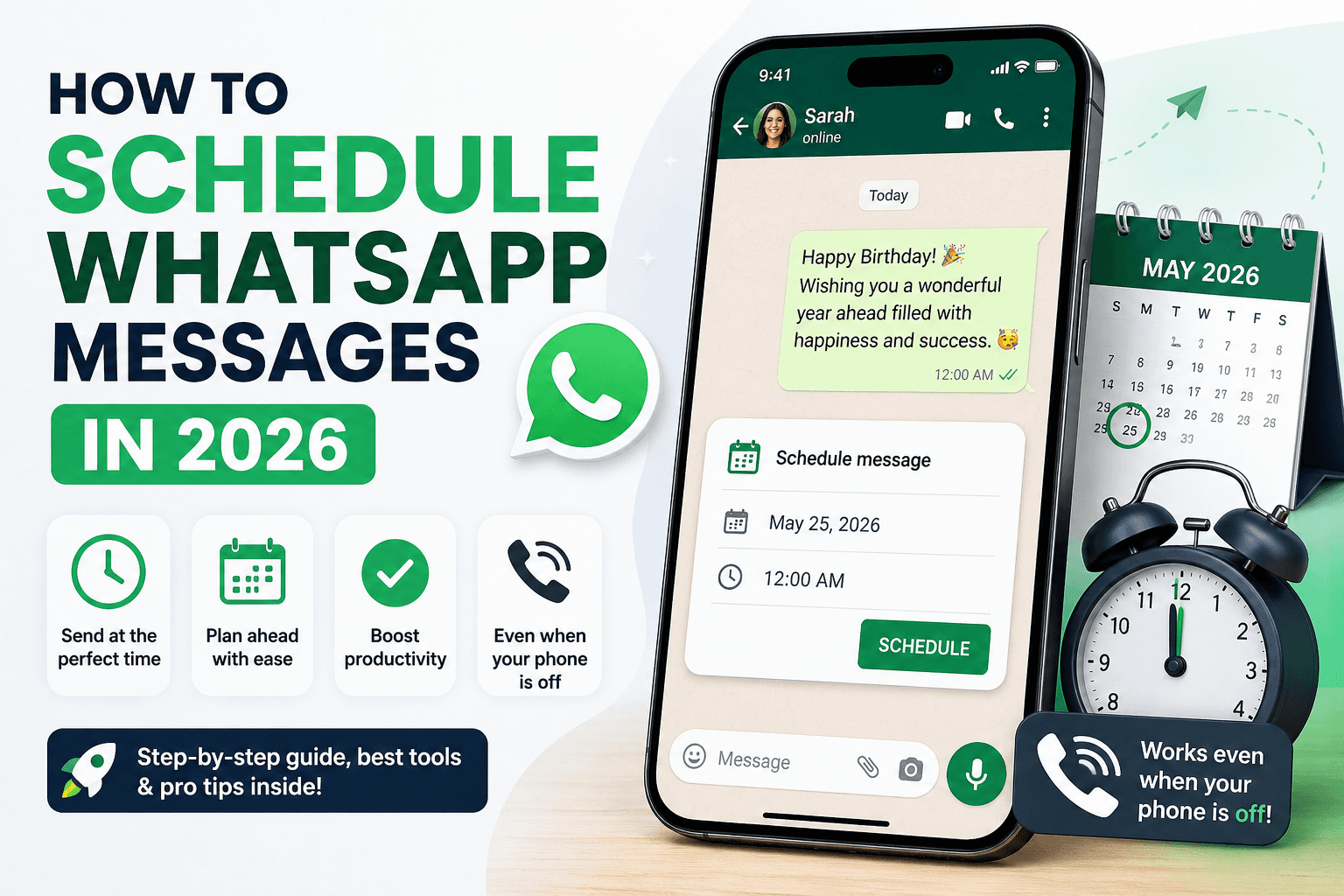
Have you ever needed to send a WhatsApp message at the perfect time — but couldn't guarantee you'd be available? Whether it's a birthday wish at midnight, a business follow-up first thing in the morning, or a reminder to a client before their appointment, scheduling WhatsApp messages is one of the most powerful productivity habits you can build.
In this guide, we'll walk you through exactly how to schedule WhatsApp messages in 2025, including the best tools, step-by-step instructions, and tips to do it even when your phone is off.
Why Schedule WhatsApp Messages?
WhatsApp is the world's most-used messaging app, with over 2 billion active users. Unlike email, WhatsApp messages are read within minutes of being received — making timing everything. Scheduling your messages lets you:
- Send messages at the right moment without being glued to your phone
- Maintain consistent communication with clients, teams, and customers
- Automate birthday wishes, reminders, and follow-ups
- Work across time zones without staying up late
Does WhatsApp Have a Built-In Scheduler?
As of 2025, WhatsApp does not have a native message scheduling feature in its standard app. You can't schedule a WhatsApp message directly from the app itself. To schedule messages, you need a third-party app — and that's where Chatmaid Schedule comes in.
How to Schedule WhatsApp Messages with Chatmaid Schedule
Chatmaid Schedule is a free iOS and Android app that lets you write a WhatsApp message now and have it delivered automatically at any date and time you choose — even if your phone is off or out of battery.
Step 1: Download the App Download Chatmaid Schedule from the App Store (iPhone) or Google Play (Android). It's free to get started.
Step 2: Connect Your WhatsApp Open the app and follow the quick setup to connect your WhatsApp account. This takes less than 2 minutes.
Step 3: Select Your Contacts Choose one or more contacts from your WhatsApp contact list. You can send to individual numbers or entire groups.
Step 4: Write Your Message Type your message. You can personalize it with the contact's name using [name] as a placeholder — Chatmaid Schedule will fill it in automatically.
Step 5: Set the Date and Time Pick the exact date and time you want the message to be delivered. You can schedule it minutes, hours, days, or even weeks in advance.
Step 6: Submit Hit Submit and you're done. Chatmaid Schedule's cloud system takes care of the delivery — even if your phone is turned off.
Can You Schedule WhatsApp Messages to a Group?
Yes. With Chatmaid Schedule, you can send scheduled messages to WhatsApp groups, not just individual contacts. This is perfect for team announcements, community reminders, or recurring group updates.
Tips for Scheduling WhatsApp Messages Effectively
Timing matters. The best times to send business WhatsApp messages are between 9–11 AM and 6–8 PM local time for the recipient. Avoid sending late at night unless it's a personal message the person is expecting.
Personalize whenever possible. Using [name] in your message makes automated messages feel human. A message that starts with "Hey Sarah," will always outperform one that starts with "Dear Customer."
Don't over-schedule. Just because you can send messages automatically doesn't mean you should flood people's chats. Keep your scheduled messages relevant and valuable.
Use scheduling for follow-ups. The most powerful use case is following up with leads, clients, or prospects 24, 48, or 72 hours after an initial conversation. Most people forget to follow up — Chatmaid Schedule means you never will.
Frequently Asked Questions
Can I schedule a WhatsApp message to send while my phone is off? Yes. Chatmaid Schedule uses cloud technology to deliver messages even when your phone is off, out of battery, or without internet connection.
Is scheduling WhatsApp messages safe? Yes, Chatmaid Schedule does not permanently store your message content and uses secure infrastructure for all deliveries.
Is there a free plan? Yes. Chatmaid Schedule offers a free 7-day trial with full access to all features. After the trial, Premium is $2.79/month.
Conclusion
Scheduling WhatsApp messages is no longer a luxury — it's a competitive advantage. Whether you're a freelancer, small business owner, or just someone who values being organized, Chatmaid Schedule gives you the power to communicate at exactly the right time, every time.
Download Chatmaid Schedule free → https://schedule.chatmaid.net/