
How to Send WhatsApp Messages When Your Phone Is Off in 2026
Published on April 27, 2026
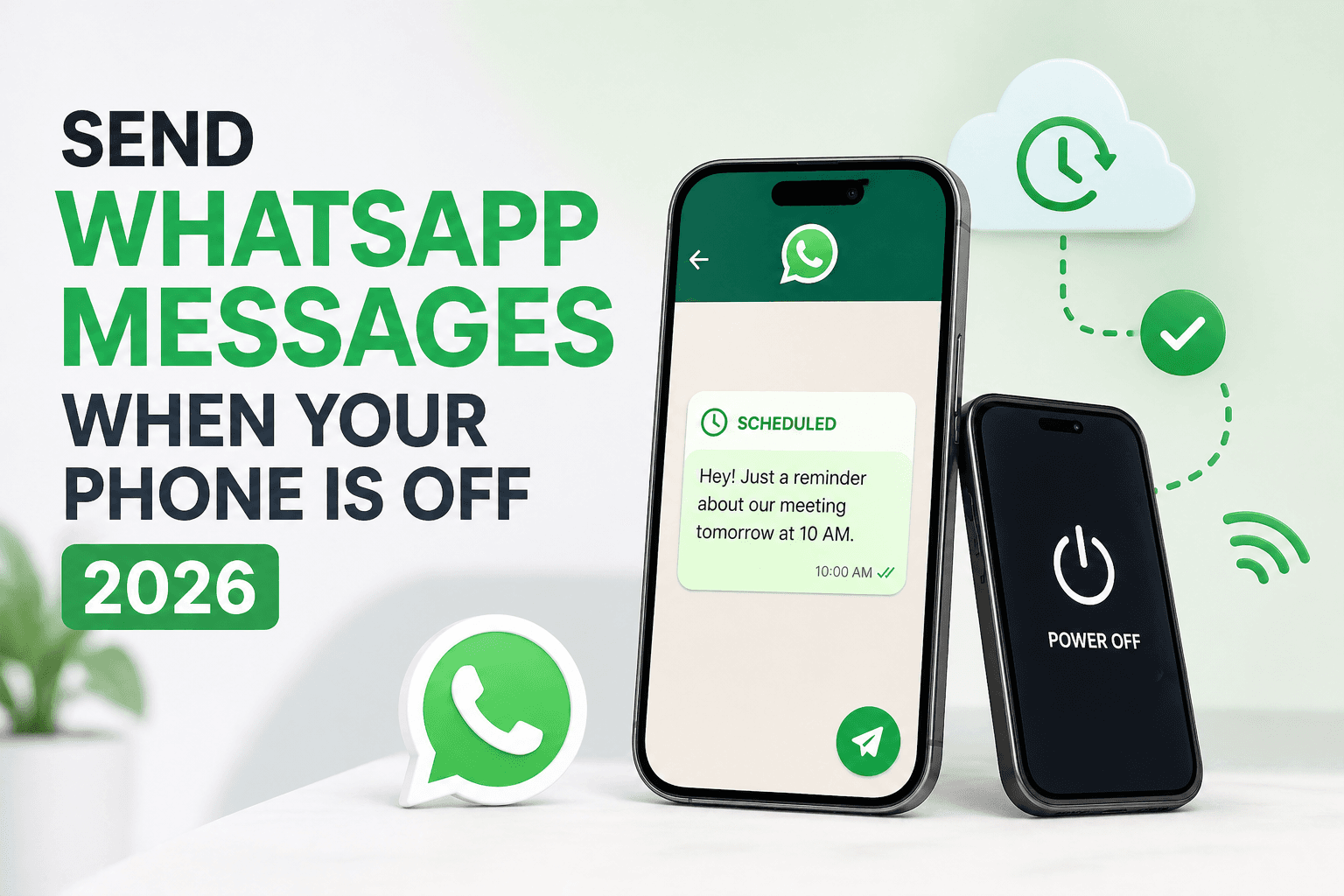
It sounds impossible — sending a WhatsApp message while your phone is completely off. But in 2025, it's not only possible, it's easy. Here's how it works and how you can set it up in minutes.
Why Would You Need to Send WhatsApp Messages Offline?
There are more situations than you'd think where this matters:
- Your phone battery dies during a business trip and you have a scheduled client check-in
- You're flying and your phone is in airplane mode, but you promised a follow-up message
- You're asleep but need to wish a customer in a different time zone a good morning
- You're in a meeting and can't touch your phone, but a reminder was supposed to go out
- You simply want to pre-schedule messages days or weeks in advance without keeping your phone on 24/7
How Is It Possible to Send WhatsApp Messages Without Your Phone?
The answer is cloud-based message scheduling. Instead of relying on your device to send the message, the message is stored and delivered through a secure server. Think of it like scheduling an email — the email server sends it at the right time, whether or not your computer is open.
Chatmaid Schedule works exactly this way. When you schedule a message, it's stored securely in the cloud. At your chosen time, the system delivers it through your connected WhatsApp account — no phone required.
Step-by-Step: Send a WhatsApp Message While Your Phone Is Off
Step 1: Download Chatmaid Schedule on iOS or Android.
Step 2: Connect your WhatsApp number to the app (takes about 2 minutes).
Step 3: Open the app, tap "Schedule," and select your contacts.
Step 4: Write your message and use [name] to personalize it automatically.
Step 5: Set your delivery date and time.
Step 6: Tap Submit. The cloud handles everything from here.
Your message will be delivered at the exact time you set, regardless of whether your phone is on, off, charging, or in your kitchen drawer.
Real-World Use Cases
Sales professionals schedule morning check-ins with leads the night before, so the message arrives right when the workday starts — without setting an alarm to send it manually.
Freelancers schedule invoice reminders and project updates to go out during business hours, even if they're working nights or weekends.
Small business owners send appointment reminders 24 hours before a client's scheduled time, automatically, without lifting a finger.
Individuals schedule birthday messages for friends and family weeks in advance, so they never miss an important date again.
Is It Safe?
Chatmaid Schedule uses secure, encrypted cloud infrastructure. Your message content is not permanently stored after delivery, and no unauthorized parties can access your WhatsApp account through the app.
Conclusion
Your phone being off doesn't have to mean your communication stops. With Chatmaid Schedule, you can stay connected, professional, and on time — entirely on autopilot.
Try Chatmaid Schedule free for 7 days → https://schedule.chatmaid.net/