
Schedule WhatsApp Messages Without Internet — Chatmaid Schedule Now Works Offline
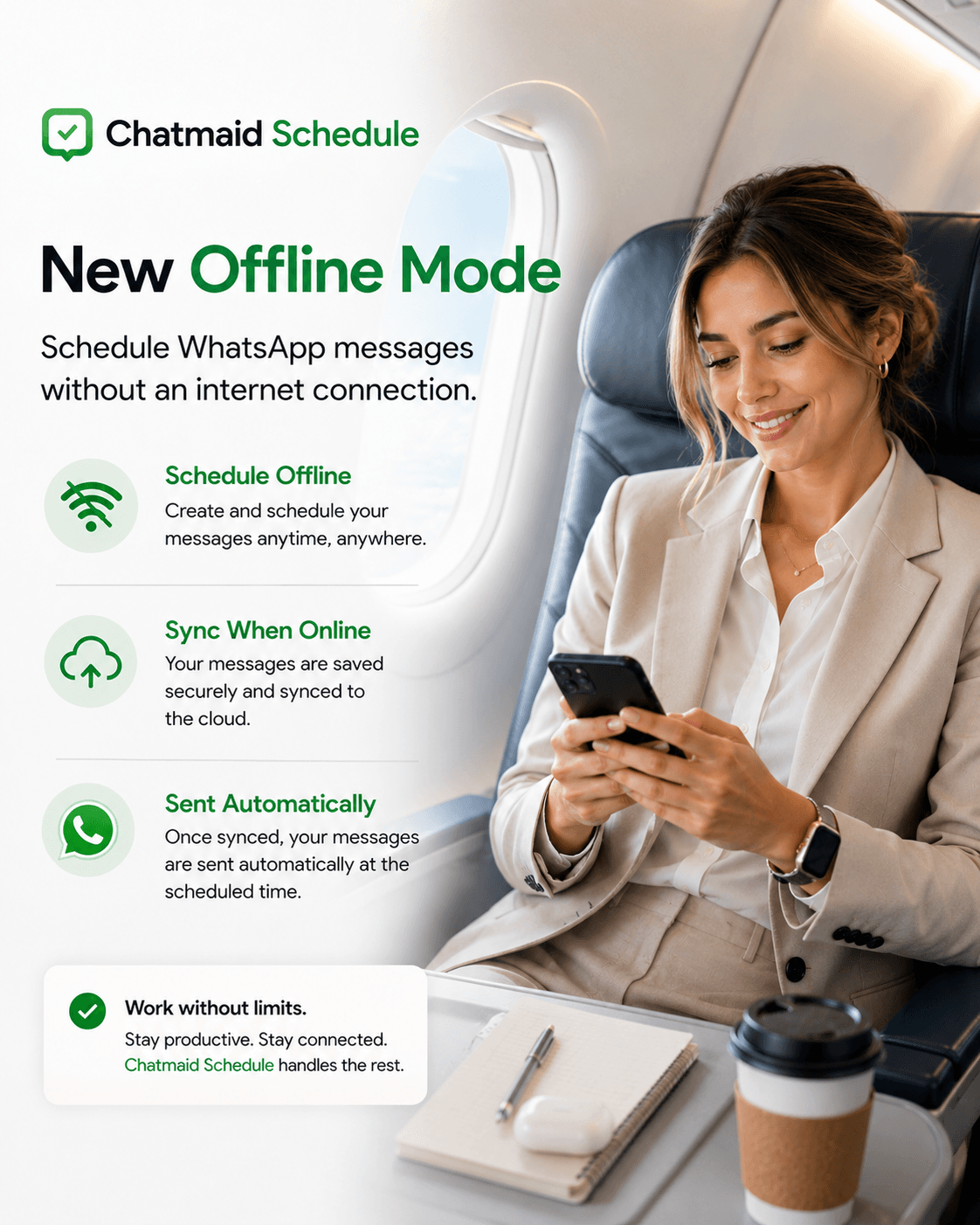
You're on a 5-hour flight. No Wi-Fi. But you have time — something most people rarely get anymore. Time to think clearly about the week ahead, the people you've been meaning to reach out to, the birthday message you keep forgetting to send on the actual day.
Until now, you'd have to remember all of it, open WhatsApp when you landed, and try to recreate the thought you had at 35,000 feet. Usually, life got in the way.
That changes with Chatmaid Schedule's new offline mode.
## What's New
You can now schedule WhatsApp messages directly inside Chatmaid Schedule with no internet connection. Write your message, pick the recipient, set the date and time — everything works exactly as it does online.
When you reconnect — landing at the airport, walking out of the subway, arriving at the hotel — the app syncs in the background. Your scheduled messages are queued and sent at the exact time you set, from your number, as if you'd never been offline at all.
No lost drafts. No "oh right, I was going to send that." Just a list of messages that will go out exactly when you intended.
## How It Works
**While offline:**
Open Chatmaid Schedule and compose your messages as normal. The app stores them locally on your device. You'll see them in your scheduled list, marked as "Pending sync."
**When you reconnect:**
The app detects your connection automatically and syncs in seconds. Pending messages move from your device to Chatmaid's cloud scheduler. From that point, your phone doesn't need to stay online — the message goes out at the right time regardless.
**At delivery time:**
Your message arrives in the recipient's WhatsApp exactly as scheduled. It looks like any message from you. No indication it was written mid-flight.
## Real Situations Where This Helps
**On a plane**
This is the obvious one. A long flight is one of the rare moments of uninterrupted focus most people get. Use it to schedule the messages you've been putting off — client check-ins, birthday wishes, follow-ups, team updates — then sync the moment you land.
**On the subway or metro**
Underground commutes with no signal are dead time for most apps. With offline scheduling, that 20 minutes becomes productive. Schedule your messages, resurface at the next station, and they sync automatically.
**In a meeting or a focus block**
You don't want your phone pinging, but you also don't want to forget the message you promised to send. Schedule it offline (airplane mode on) without any distractions. Reconnect when you're done.
**Traveling internationally**
Before you buy a local SIM or connect to hotel Wi-Fi, you can already be scheduling messages for the days ahead. The sync happens whenever you first get online.
**In areas with poor connectivity**
Rural areas, basements, buildings with weak signal — anywhere you can open the app, you can now schedule.
## Why This Is Different from Just Using Drafts
WhatsApp's own drafts save text, but they don't schedule anything. You still have to remember to come back, open the app, and send manually.
Chatmaid Schedule with offline mode is a true schedule — a commitment to send at a specific time. Once you've set it and synced, you can forget it. The message goes out whether you're asleep, in another meeting, or still on the plane.
## Getting the Update
The offline scheduling feature is available now in the latest version of Chatmaid Schedule on iOS and Android.
Update the app from the App Store or Google Play to get it. If you already have automatic updates enabled, you likely have it already.
New to Chatmaid Schedule? It's $2.79/month and works with your existing WhatsApp number — no new account for your contacts, no WhatsApp Business setup required.
Get Chatmaid Schedule →](https://schedule.chatmaid.net)