
WhatsApp Automation for Small Business: How to Save 5+ Hours a Week
Published on April 27, 2026
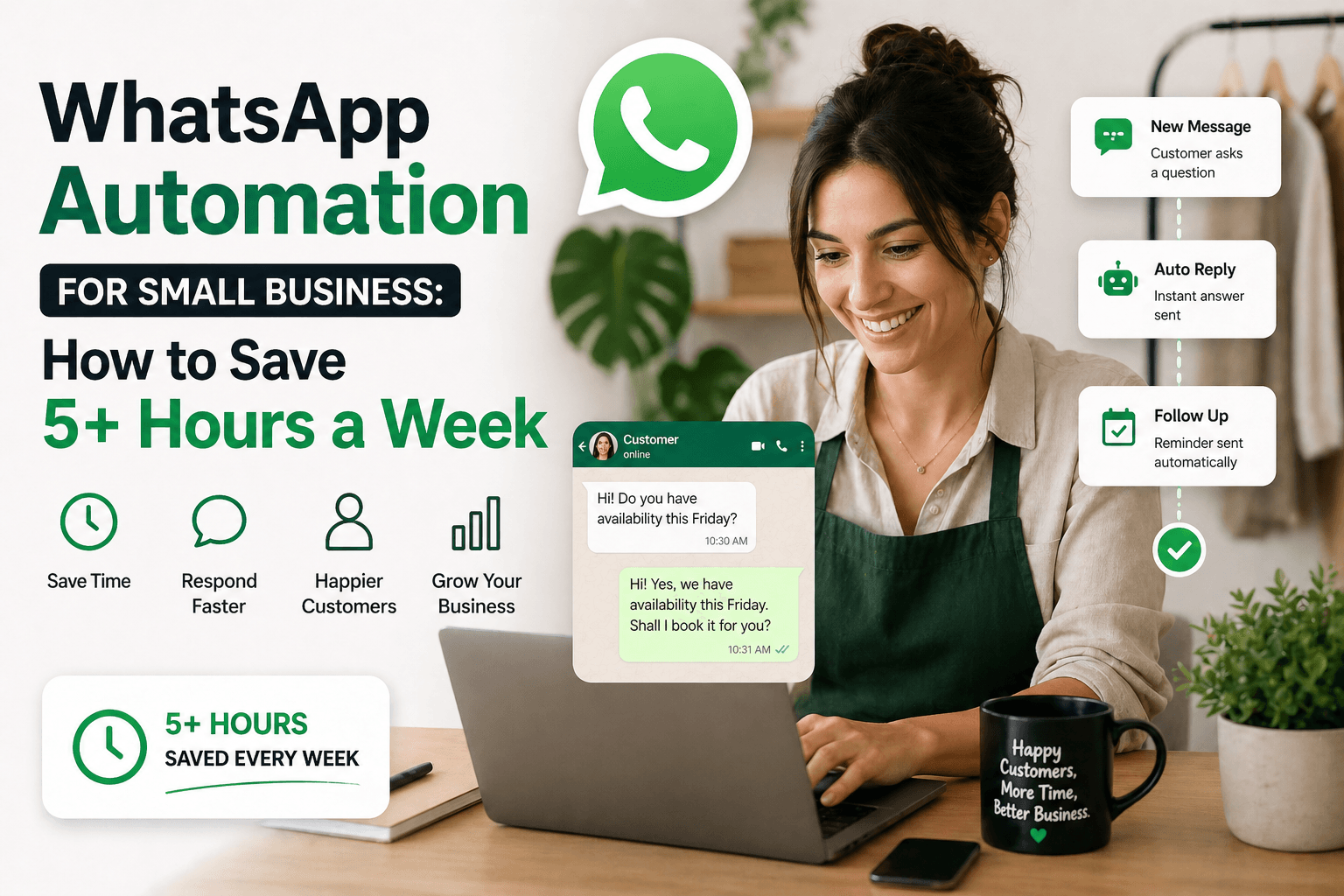
If you run a small business, you already know that WhatsApp is where your customers live. It's where they ask questions, confirm appointments, and expect fast replies. But manually managing all of that messaging takes time — time you don't have.
WhatsApp automation changes that. Here's how small businesses are using tools like Chatmaid Schedule to cut 5 or more hours of manual messaging every single week.
What Is WhatsApp Automation?
WhatsApp automation means setting up systems that send messages automatically, based on timing or triggers, without you needing to type and send them manually. This can include:
- Scheduled messages sent at pre-set times
- Follow-up sequences triggered after a conversation
- Appointment reminders sent 24 or 48 hours before a booking
- Broadcast messages sent to a list of contacts at once
- Birthday or anniversary messages sent on special dates
Why WhatsApp — and Not Email?
The numbers are clear. WhatsApp messages have an open rate of over 90%, compared to roughly 20% for email. People read WhatsApp messages almost immediately. For a small business trying to stay top-of-mind with customers, that's a massive difference.
5 Ways Small Businesses Are Automating WhatsApp Today
1. Appointment Reminders Service businesses — salons, clinics, coaches, consultants — schedule reminder messages 24 and 48 hours before each appointment. This reduces no-shows dramatically and saves the time of making reminder calls.
2. Lead Follow-Ups After a first conversation with a potential customer, a well-timed follow-up message (24 to 72 hours later) is often the difference between closing a sale and losing it. Automating this with Chatmaid Schedule means no lead ever slips through the cracks.
3. Order and Delivery Updates E-commerce businesses and local shops send scheduled delivery updates to keep customers informed without manual effort.
4. Weekly Team Check-ins Team leaders schedule a Monday morning message to their group every week — goals, reminders, motivational notes — without having to remember to send it each time.
5. Promotional Campaigns Instead of sending a promotion message and hoping for the best, businesses schedule a follow-up reminder 2–3 days later for contacts who didn't respond. This alone can significantly increase conversion rates.
How to Get Started with WhatsApp Automation
The easiest starting point for small businesses is Chatmaid Schedule. It doesn't require any technical setup, no API integration, and no coding. You download the app, connect your WhatsApp, and start scheduling.
The free trial gives you 7 days to explore all features. Most business owners see results — in saved time and better customer responses — within the first week.
What to Automate First
If you're just getting started, automate these three things first, in order:
- Appointment reminders — immediate ROI in reduced no-shows
- Lead follow-up messages — directly impacts your revenue
- Weekly team or customer updates — saves recurring manual effort
Conclusion
WhatsApp automation isn't just for large companies with technical teams. With Chatmaid Schedule, any small business can start automating in minutes and reclaim hours every week. The question isn't whether you should automate — it's how much time you've already lost by not starting sooner.
Start your free trial → https://schedule.chatmaid.net/