
WhatsApp Scheduling for Restaurants: Reservations, Confirmations, and Review Requests
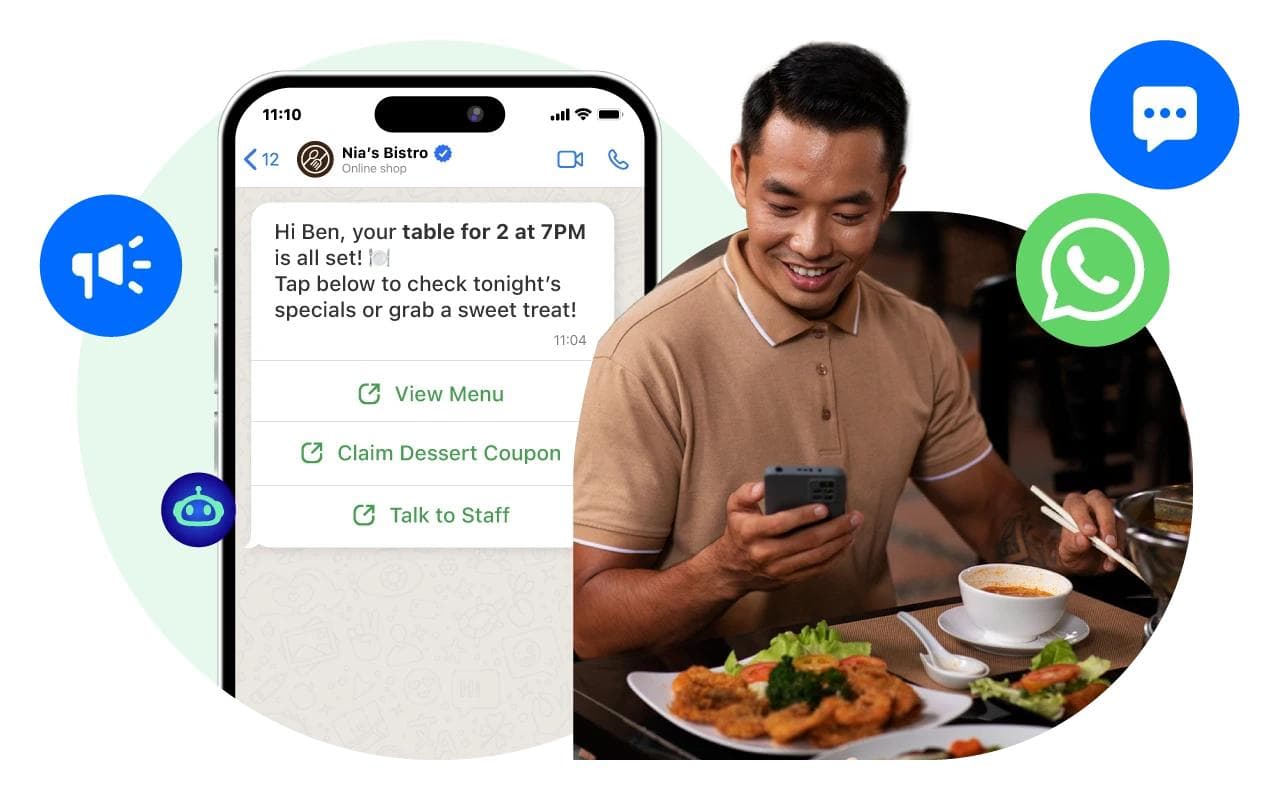
Restaurants live and die on covers, and a no-show on a Friday night for a four-top is real money on the floor. Most restaurants still rely on phone confirmations or hope that the booking platform’s email reminder is enough. Neither works as well as a simple WhatsApp message at the right moment. Here’s the full playbook.
The four scheduled WhatsApp messages every restaurant should send
These four messages, scheduled automatically when a guest books, do more for revenue than most restaurants realize:
1. The booking confirmation, sent 30 seconds after they book.
Hi [Name], thanks for your reservation at [Restaurant] for [Date] at [Time], party of [#]. We’ve got you booked. Looking forward to seeing you. — [Restaurant]
This sets expectations and gives the guest your direct WhatsApp for any changes — saves your team phone calls.
2. The 24-hour reminder.
Hi [Name], reminder: your table at [Restaurant] is tomorrow at [Time], party of [#]. Reply YES to confirm or let us know if anything changes. — [Restaurant]
This is the single biggest no-show reducer. Most no-shows come from people who genuinely forgot, not from people deliberately ditching.
3. The review request, sent 2 hours after their seating time.
Hi [Name], hope you enjoyed dinner with us tonight! If you have a minute, we’d love a review on Google: [link]. Thank you. — [Restaurant]
The 2-hour window is when memories are freshest and reviews are most likely to be positive. Most restaurants either skip this entirely or send it the next morning when motivation has faded.
4. The “come back” message, scheduled 30 days out.
Hi [Name], been a month since you joined us — we’ve added a few new dishes since then. Would love to see you back. Want me to grab you a table this weekend? — [Restaurant]
A simple personal message from the restaurant gets dramatically higher response rates than a marketing email. Most regulars start as people who got one of these messages.
Setting it up with Chatmaid Schedule
You’ll need:
- A dedicated WhatsApp number for the restaurant (not the manager’s personal phone).
- Chatmaid Schedule installed on the phone running that number.
- Five minutes of setup per booking — or, if your booking system can export, a workflow that imports new bookings and triggers scheduled messages automatically.
Daily workflow for a small restaurant:
- At end of service, review tomorrow’s bookings.
- For each booking, schedule the four messages: confirmation (now), 24-hour reminder, post-meal review request, 30-day return message.
- Save the four templates so each booking takes 30 seconds.
For larger operations, a host or reservations manager handles this in chunks during slow periods.
What about walk-ins and group bookings?
Walk-ins don’t need messages 1–2, but they should still get the post-meal review request and the 30-day return message. Just collect a phone number with the bill and schedule both right then.
For private events and large groups, add an extra message 7 days out asking for any final headcount changes or special requests. This catches catering issues before they become emergencies.
Cultural fit: when WhatsApp works (and when it doesn’t)
WhatsApp messaging works extraordinarily well for restaurants in markets where the platform dominates personal communication — most of Europe, Latin America, parts of Asia, and increasingly the United States. In markets where SMS or other apps dominate, the same workflow with the same templates over SMS still beats no follow-up at all.
What matters is the timing and the structure of the messages, not the channel.
Start serving guests better
Download Chatmaid Schedule at https://schedule.chatmaid.net/ and run your first scheduled reservation reminder this week.
Pick one shift, schedule the four messages for every booking, and watch your no-show rate.
For appointment-based businesses more broadly, see How Doctors and Clinics Reduce No-Shows by 40%.
Internal links:
- Doctors no-show article
- 50 reminder templates
- Best time to send